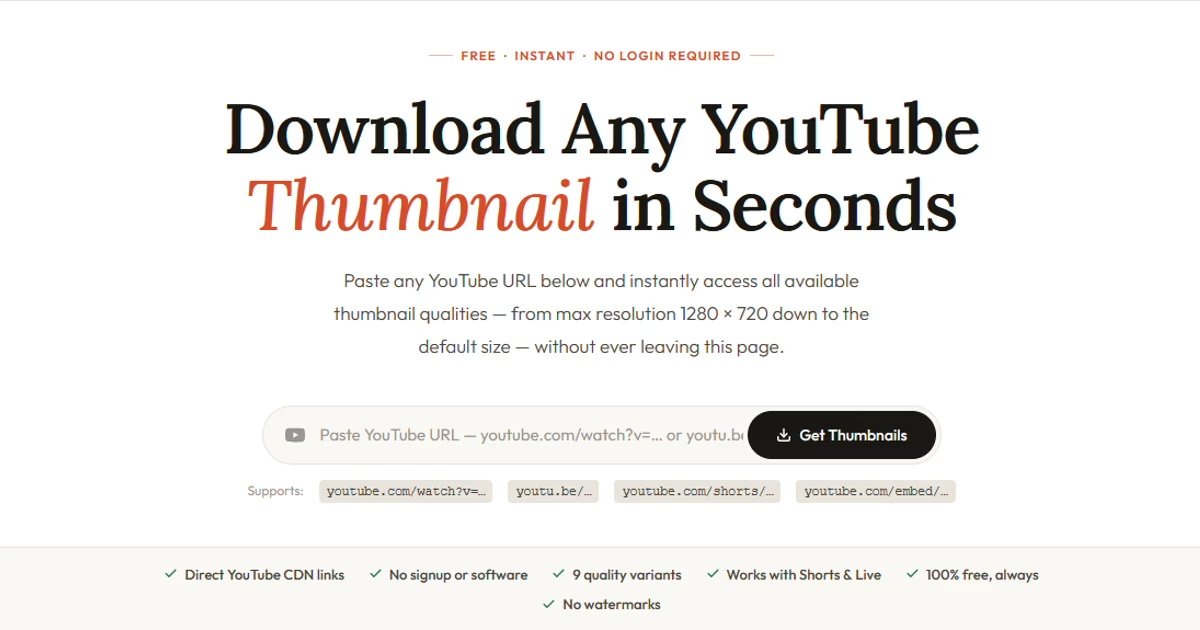
If you're a YouTuber, designer, or marketer, knowing the exact YouTube thumbnail size matters — the wrong dimensions mean a blurry or cropped image that loses clicks before a viewer even reads the title. This guide covers every thumbnail resolution YouTube stores, what each one is for, and what you should upload to get the sharpest result everywhere.
The Recommended YouTube Thumbnail Size
YouTube's recommended thumbnail size is 1280 × 720 pixels at a 16:9 aspect ratio. This is the size you should always design and upload. It displays sharply on desktop browsers, mobile apps, smart TVs, and YouTube's search results without any cropping or upscaling.
The minimum width YouTube accepts is 640 pixels, but anything below 1280 px will look noticeably soft on modern high-DPI screens. Always design at 1280 × 720.
Important: YouTube does not store thumbnails above 1280 × 720 px, even for 4K or 8K videos. This is a platform limit — no tool can retrieve a larger thumbnail because YouTube simply doesn't create one.
All YouTube Thumbnail Sizes — Complete Table
YouTube generates and stores up to 9 image variants for every video. Here is a full breakdown of each:
| Name | Dimensions | Filename | Best For |
|---|---|---|---|
| Max Resolution | 1280 × 720 px | maxresdefault.jpg | Print, large screens, editing, professional use |
| Standard HD | 640 × 480 px | sddefault.jpg | Web publishing, blog thumbnails, social media |
| High Quality | 480 × 360 px | hqdefault.jpg | Embeds, widgets, YouTube-style previews |
| Medium Quality | 320 × 180 px | mqdefault.jpg | Small thumbnails, compact grid listings |
| Default | 120 × 90 px | default.jpg | Icons, tiny inline references |
| Auto Frame (Full) | 480 × 360 px | 0.jpg | Auto-generated full frame from video |
| Auto Frame 25% | 120 × 90 px | 1.jpg | Frame at 25% of video duration |
| Auto Frame 50% | 120 × 90 px | 2.jpg | Frame at 50% of video duration |
| Auto Frame 75% | 120 × 90 px | 3.jpg | Frame at 75% of video duration |
YouTube Thumbnail File Size and Format Requirements
Beyond pixel dimensions, YouTube has three other requirements for uploaded thumbnails:
- Maximum file size: 2 MB. Keep your exported file under this limit.
- Accepted formats: JPG, PNG, GIF, and BMP. JPG is recommended for photos — smallest file at acceptable quality.
- Aspect ratio: 16:9. Any other ratio will be letterboxed or cropped depending on the surface.
For JPG exports, an 85–90% quality setting produces a thumbnail almost indistinguishable from 100% quality at roughly half the file size — well within the 2 MB limit even at 1280 × 720.
Does YouTube Have 4K Thumbnails?
No. YouTube stores thumbnails at a maximum of 1280 × 720 pixels regardless of the video's own resolution. A 4K, 8K, or HDR video still only has a 1280 × 720 thumbnail. No tool, API, or workaround can retrieve a higher-resolution thumbnail because YouTube simply does not generate one.
Why Is maxresdefault Sometimes Missing?
Not every video has a maxresdefault.jpg available. There are three common reasons:
- Older videos: Videos uploaded before approximately 2013 may only have
hqdefault.jpgas their highest quality. - Low-view videos: YouTube sometimes only generates high-resolution thumbnails after a video reaches a certain view threshold.
- No custom thumbnail uploaded: Auto-generated frames may not have a maxresdefault variant.
TubeUpgrade handles this automatically and always shows the highest available quality first.
What Size Should You Design Your Thumbnail At?
Always design at 1280 × 720 px. Quick checklist:
- Canvas size: 1280 × 720 px (16:9)
- Export format: JPG at 85–90% quality
- Maximum file size: under 2 MB
- Keep important content away from the outer 10% of the canvas (safe zone)
- Use text large enough to read at 120 × 90 px — the smallest size YouTube displays
Download Any YouTube Thumbnail — Free
Paste a YouTube URL and instantly access all 9 thumbnail sizes. No signup, no software.
Try TubeUpgrade Free